Evrima
The Isle: Evrima
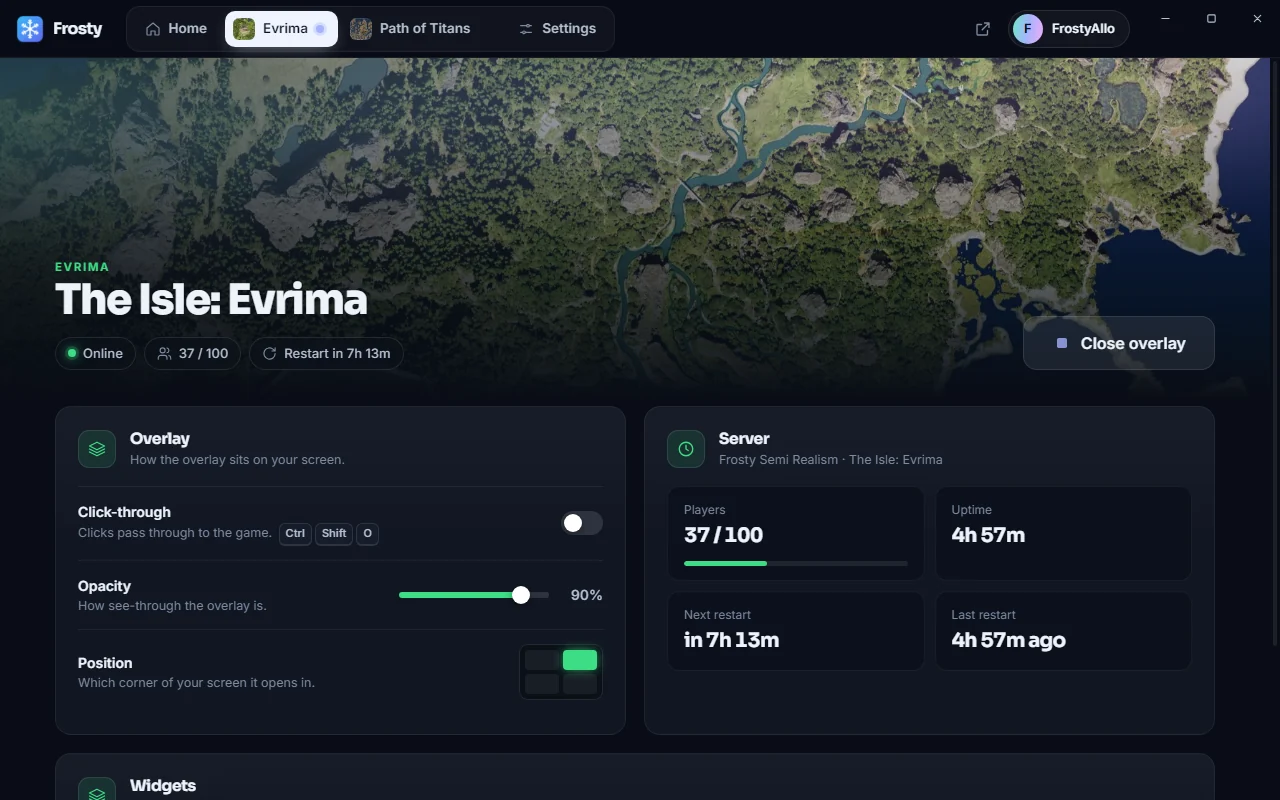
Live minimap, health hex and server status.
Checking… Frosty Desktop v1.6.4
Proximity chat, a live minimap and a health hex that sits right next to Evrima's own stats, plus live server status and your Frosty account, in one small Windows app.
New on The Isle: Evrima
Talk to the dinos around you. Voices get quieter the further away they are, just like in real life.
⚠️ You need the Frosty app to use proximity chat.
What's inside
Everything you'd normally alt-tab for, kept on top of the game.
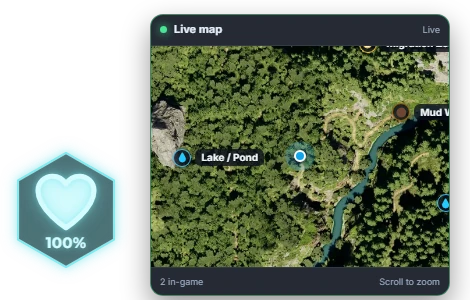
A minimap zoomed in on you and your group, with the same places as our live map, and a health hex built to match the game's own stat hexes. Drag them anywhere.
Players online, uptime and the restart countdown.
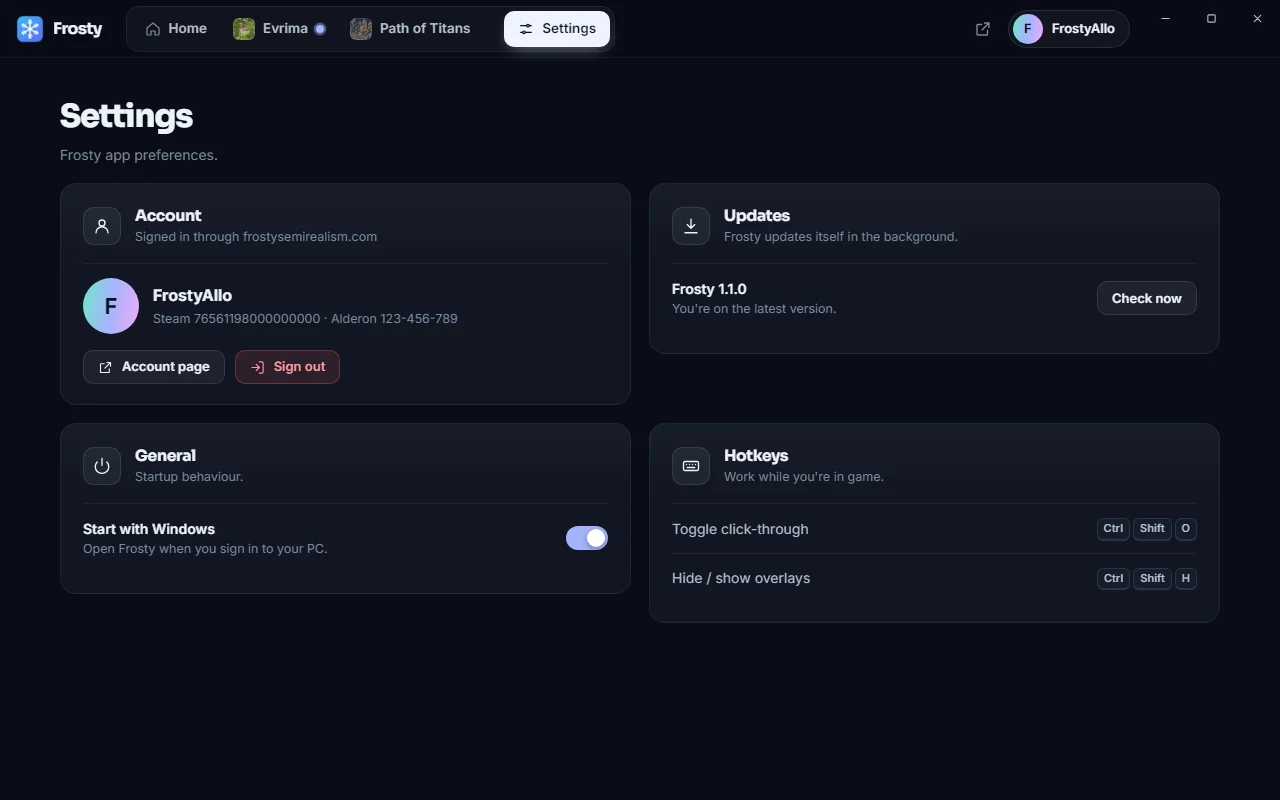
Install once. New versions arrive quietly in the background.
Click-through sends your mouse to the game. Ctrl+Shift+H hides everything.
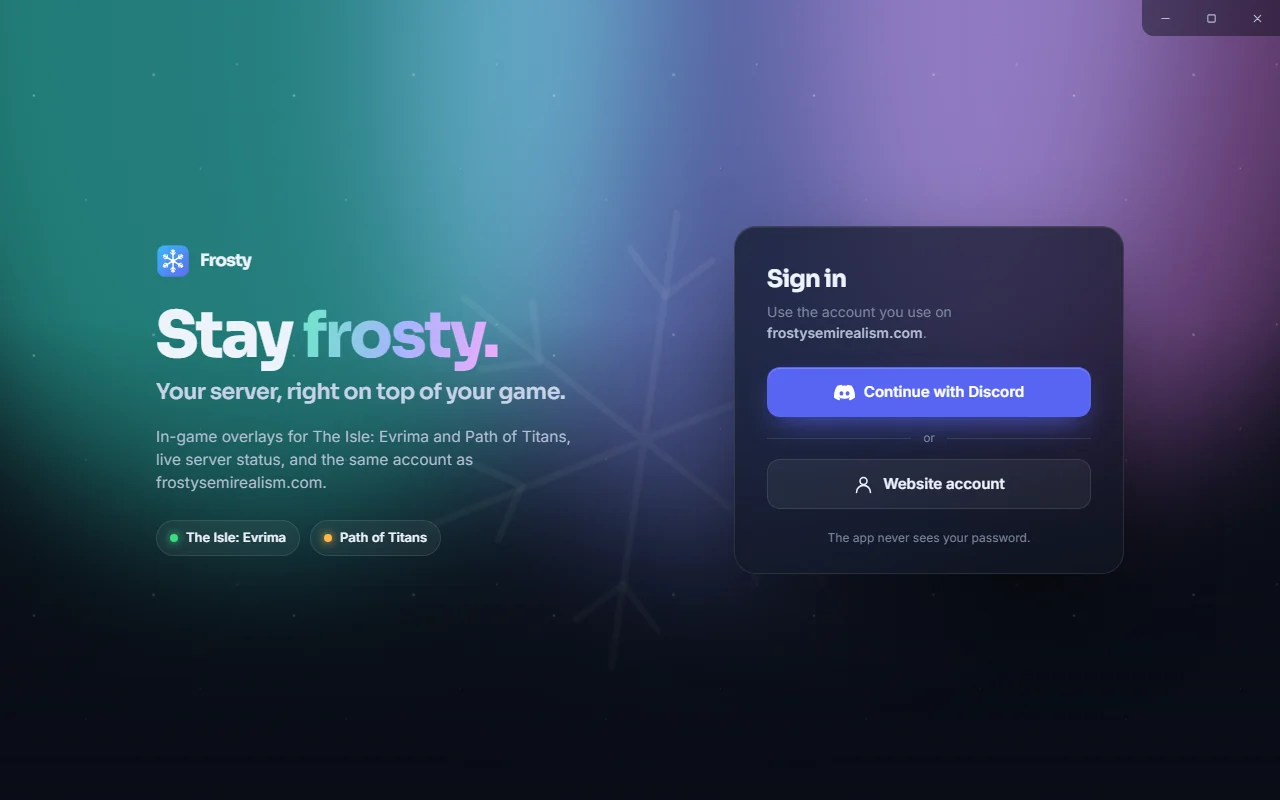
Sign in with Discord or a website account. The app never sees your password.
No admin rights and no game files touched. It waits in your tray.
In the game
The overlay draws on top of the game, so you never alt-tab to the website mid-hunt.
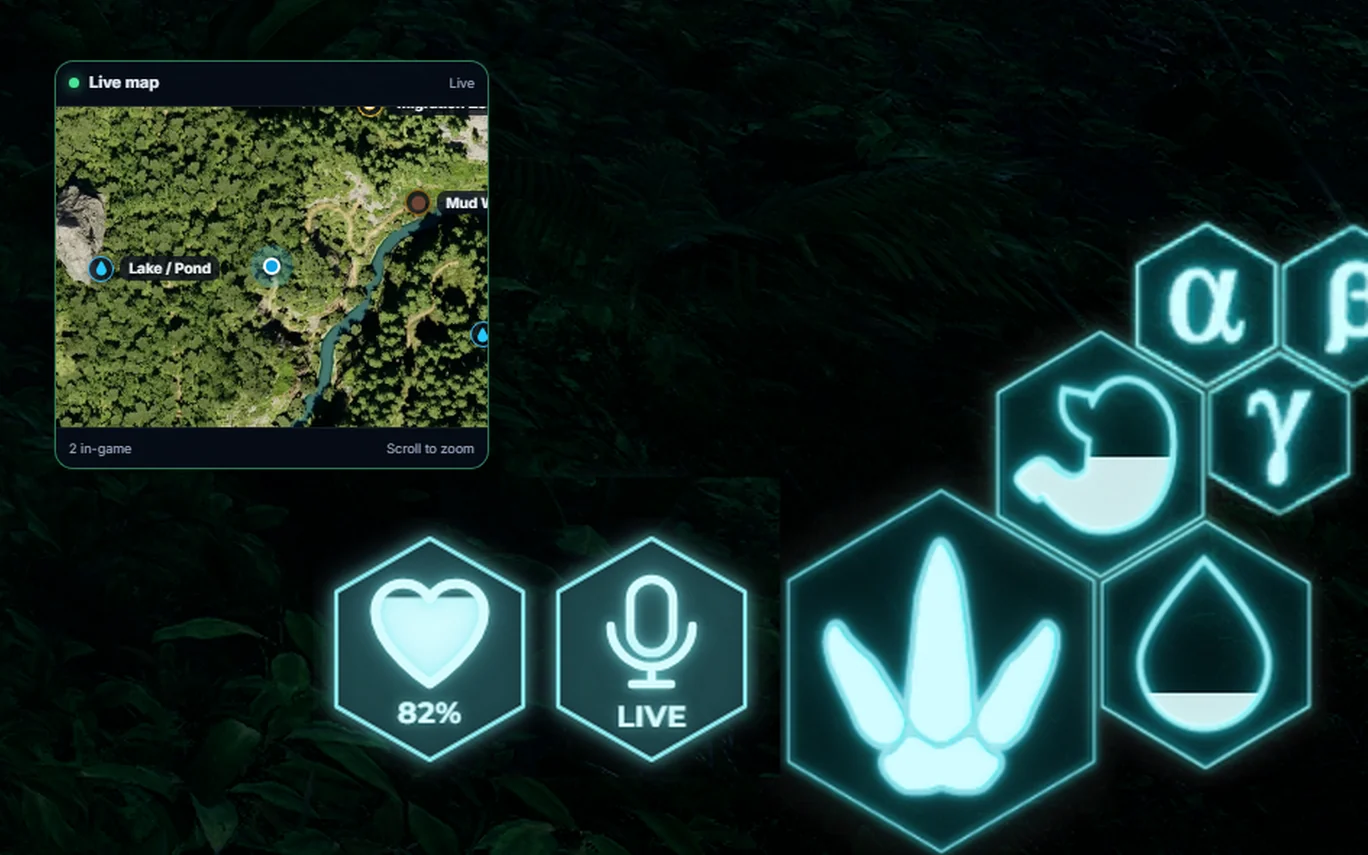
Hear the dinos within 80 m, fading with distance. Push-to-talk or voice activated, your choice of mic and volume.
Way zoomed in and centred on you. Group mates, regions, ponds, wallows and migration zones, just like the live map. Scroll to zoom.
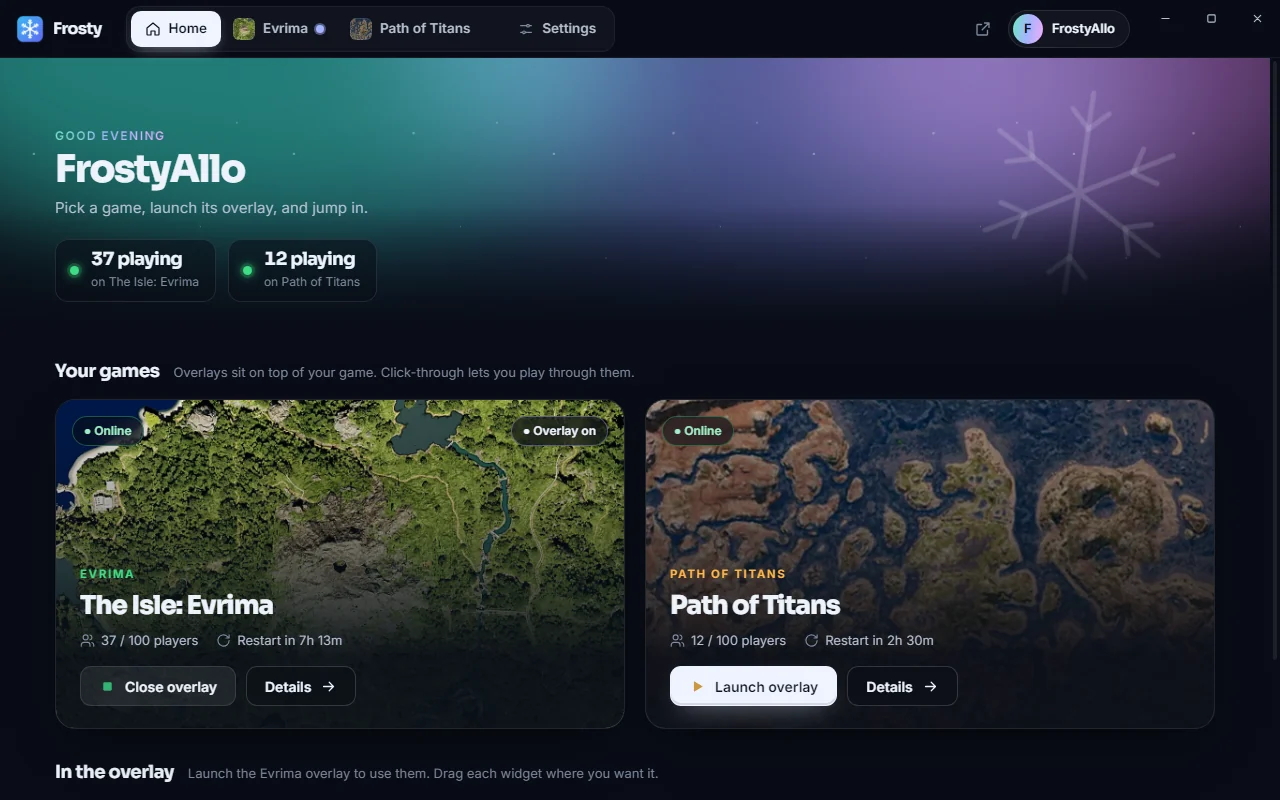
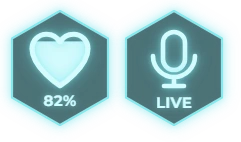
Your dino's health as a hex that matches the game's stomach and water hexes, with the percentage inside. The heart turns red when you're low.
Drag each widget into place, Ctrl + scroll to resize the hex, double-click to reset. Click-through keeps your mouse on the game.
Pick your server
Choose a game in the app and launch its overlay. Live numbers below come straight from our servers.
Live minimap, health hex and server status.
Checking…Server status and the overlay. Map and health are Evrima-only for now.
Checking…Tour
These are real screens from the app.
Roadmap
Proximity chat, the minimap and the health hex are all out now. Everything new arrives through the automatic updates. You won't need to reinstall.
Evrima and Path of Titans.
Players, uptime, restarts.
Always the latest version.
You and your group, zoomed in, in game.
Matches the game's own stat hexes.
Voice that fades with distance.
Setup
It installs just for your Windows account, so you don't need admin rights.
Download it and open the file. Frosty installs and opens by itself.
Pick Discord or website account, log in here and press Connect app.
Choose your server and launch. Use Windowed Fullscreen in game.
Answers
Nothing. Frosty is free for everyone who plays on our servers.
No. The overlay is its own window drawn over the game. It doesn't read game memory, inject anything or change files.
Exclusive fullscreen hides every overlay. Switch the game to Windowed Fullscreen (borderless) and it'll sit on top.
Frosty isn't code-signed yet, so SmartScreen flags it like any new app. Choose More info → Run anyway; you'll only see it once.
Frosty checks in the background, downloads new versions by itself and installs them when no overlay is open. Nothing to re-download.
Yes. Proximity chat only works through the Frosty app with the Evrima overlay open. Turn it on from the app's Evrima page, pick your microphone, and you're in.
Yes, for moderation. What you say is saved with your Discord and Steam IDs, the time and where you were, and kept in Frosty's private staff archive. Staff use it to handle reports like slurs or harassment. You agree to this once before turning it on.
They need you in game on our Evrima server and signed in with a Discord account that has your Steam ID verified with Frosty. Once you spawn in, they fill in within a few seconds.
Windows Settings → Apps → Installed apps → Frosty → Uninstall.
6 players have the app so far. It's free and keeps itself up to date.